Compare screenshot tools
AppScreens alternative: ShotFox vs AppScreens
AppScreens and ShotFox both turn app screenshots into App Store and Google Play sets. AppScreens leans into AI, localization and direct uploads; ShotFox is a simpler, lower-priced editor with website capture and panoramic layouts built in.
- You want a lower price: ShotFox Pro is $47.90/year.
- You're making screenshots of a website or web app: paste a URL or browse it live inside the phone.
- You want panoramic sets without extra work: drag a phone past the edge and it carries into the next panel.
Free plan · No card needed · Works in your browser
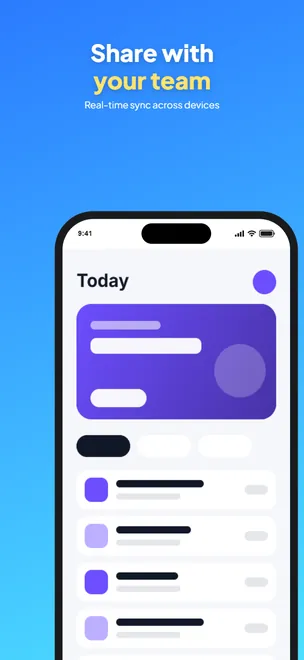
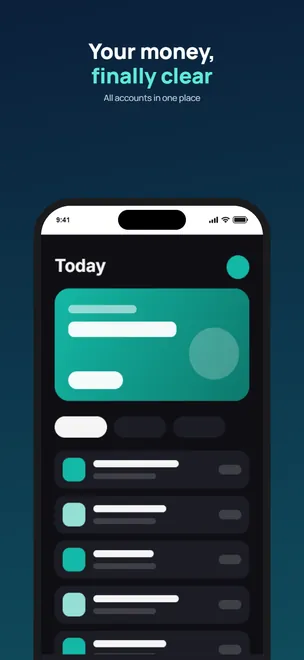
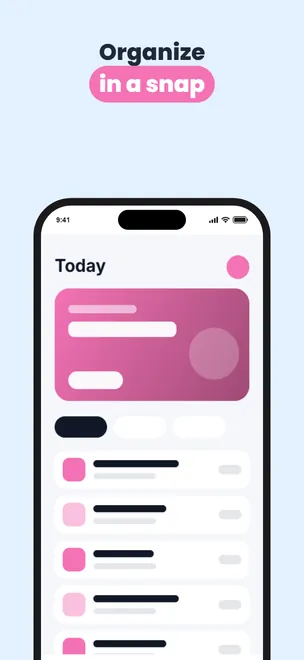
ShotFox vs AppScreens at a glance
| ShotFox | AppScreens | |
|---|---|---|
| Price | Free plan; Pro $4.99/month or $47.90/year, 7-day free trial | Free plan; Pro $99/year; Scale $180/year (billed annually) |
| Free plan | Full set, every store size, small watermark | 1 project, up to 5 screens, core sizes |
| App Store & Google Play sizes | Yes, every size from one design | Yes |
| Templates | 11 full sets | 150+ template sets on Pro |
| Capture a website into the device | Yes, plus live browsing inside the phone | Not listed on their site |
| Panoramic screenshots | Yes, automatic when a phone crosses panels | Panoramic backgrounds on Pro |
| Localization | No | 80+ languages on Pro |
| Direct upload to the stores | No, download a ZIP | 1-click upload on Pro |
| AI captions / AI agent (MCP) | No | Yes |
AppScreens details checked November 2026 on their website. Products change, so check before you decide.
When AppScreens is the better choice
- You ship in many languages: AppScreens translates and localizes screenshots into 80+ languages.
- You want screenshots uploaded straight to App Store Connect and Google Play Console, including Custom Product Pages and PPO tests.
- You want an AI agent or AI captions to draft the set for you.
- You need a big template library (150+ sets on Pro).
When ShotFox is the better choice
- You want a lower price: ShotFox Pro is $47.90/year.
- You're making screenshots of a website or web app: paste a URL or browse it live inside the phone.
- You want panoramic sets without extra work: drag a phone past the edge and it carries into the next panel.
- You want a focused editor with nothing to learn: drop screenshots, pick a template, type, export.
Switching from AppScreens
- Gather the plain screenshots of your app (or the website address, if it's a web app).
- Open ShotFox and drop them in all at once; each one gets its own panel.
- Pick one of the templates, type your headlines, and export every App Store and Google Play size.
Other comparisons
Questions
Is ShotFox cheaper than AppScreens?+
ShotFox Pro is $47.90/year or $4.99/month. AppScreens lists Pro at $99/year billed annually (checked November 2026).
Can I move from AppScreens to ShotFox?+
Yes. Export your raw app screenshots, drop them into ShotFox (several at once fill one panel each) and pick a template.
Does ShotFox translate screenshots?+
Not yet. If you need many languages today, AppScreens' localization is a strong reason to choose it.

More tools & guides
Screenshot templatesGoogle Play screenshot generatorFeature graphic generatorPanoramic screenshotsWebsite to app screenshotsMCP server for AI agentsHow it works (video)App Store screenshot sizesGoogle Play screenshot sizesFlutter app screenshotsReact Native & Expo screenshotsScreenshot best practicesAll guidesShotFox vs Screenshots ProShotFox vs FigmaShotFox vs Canva