Compare design tools
Figma alternative for App Store screenshots
Figma is a brilliant general design tool, and many teams build App Store screenshots in it. But you set up every frame, device mockup and export size yourself. ShotFox is built only for store screenshots, so that setup is already done.
- You're not a designer and want a good-looking set in minutes.
- You want every store size exported at once, without setting up frames.
- You want device frames and status bars that are already correct.
Free plan · No card needed · Works in your browser
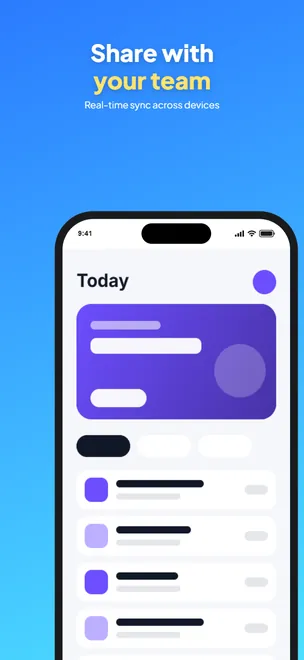
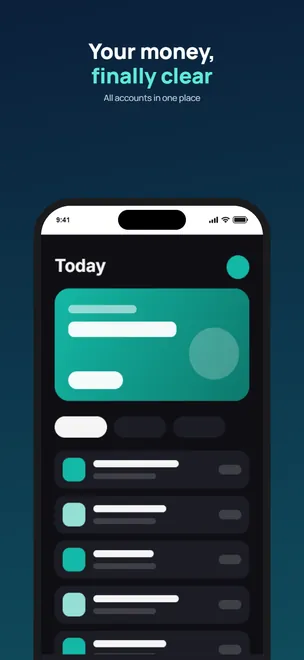
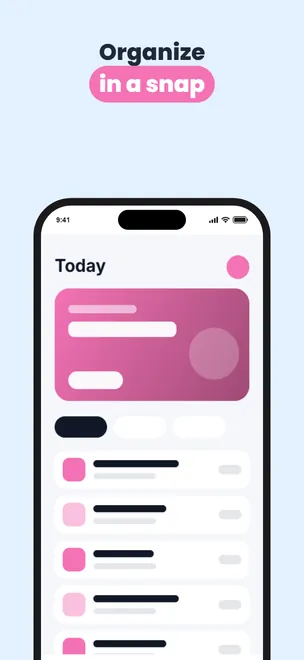
ShotFox vs Figma at a glance
| ShotFox | Figma | |
|---|---|---|
| Store sizes | Every App Store and Google Play size built in | Set up frames at each size yourself |
| Device frames | Built in, with a matching status bar | Community mockup files or plugins |
| Putting the screenshot in the phone | Drop it; it fits the screen | Mask and resize per frame |
| Exporting a full set | One ZIP, every size, numbered in order | Export each frame, check sizes by hand |
| Design freedom | Templates, layers, text, shapes, images | Unlimited |
| Team collaboration | No | Yes |
Figma details checked November 2026. Products change, so check before you decide.
When Figma is the better choice
- You need total design freedom or a fully custom illustration style.
- Your whole team already designs and reviews in Figma together.
- You want screenshots to live next to your app's design system.
When ShotFox is the better choice
- You're not a designer and want a good-looking set in minutes.
- You want every store size exported at once, without setting up frames.
- You want device frames and status bars that are already correct.
- You want to capture a website straight into the phone.
Switching from Figma
- Gather the plain screenshots of your app (or the website address, if it's a web app).
- Open ShotFox and drop them in all at once; each one gets its own panel.
- Pick one of the templates, type your headlines, and export every App Store and Google Play size.
Other comparisons
Questions
Can I still use Figma for some screenshots?+
Yes. Export a design from Figma as a PNG and drop it into ShotFox as an image layer or as the screen inside the phone.
Do I need design skills for ShotFox?+
No. Pick a template, drop in your screenshots and type your headlines.

More tools & guides
Screenshot templatesGoogle Play screenshot generatorFeature graphic generatorPanoramic screenshotsWebsite to app screenshotsMCP server for AI agentsHow it works (video)App Store screenshot sizesGoogle Play screenshot sizesFlutter app screenshotsReact Native & Expo screenshotsScreenshot best practicesAll guidesShotFox vs AppScreensShotFox vs Screenshots ProShotFox vs Canva