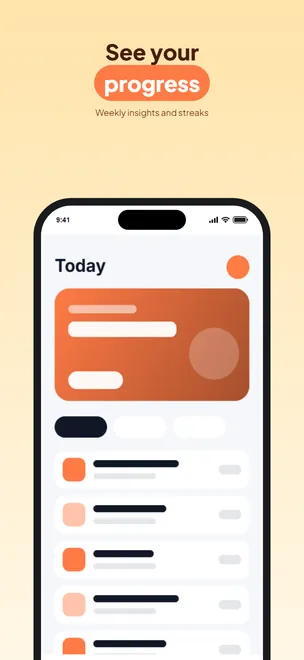
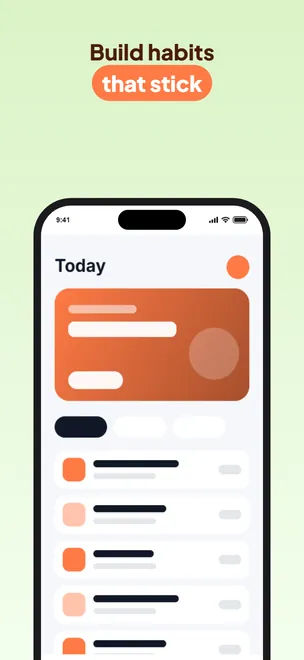
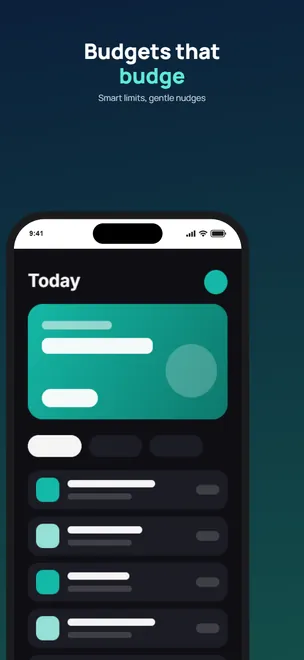
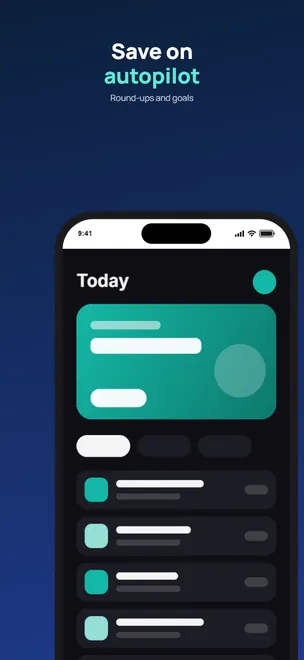
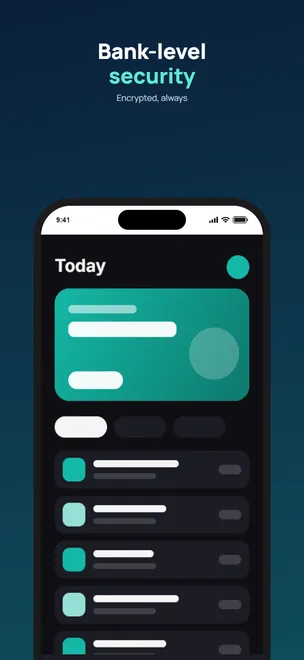
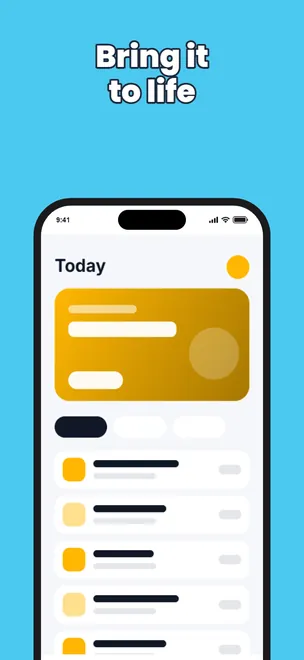
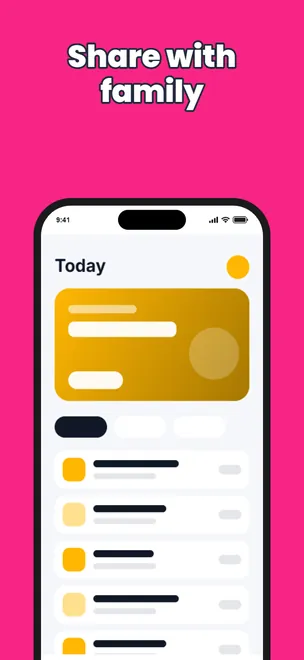
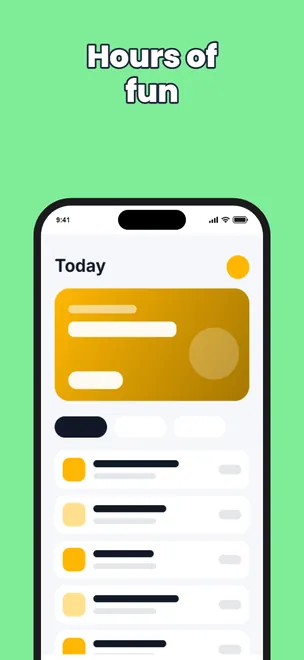
11 templates · 3 free

App Store screenshot templates for iOS & Android

Ready-made screenshot sets in bold, minimal, dark, playful, elegant styles. Pick one, drop in your own screenshots, change the words, and export every App Store and Google Play size.

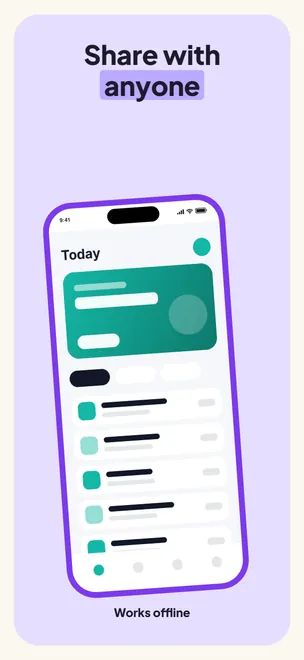
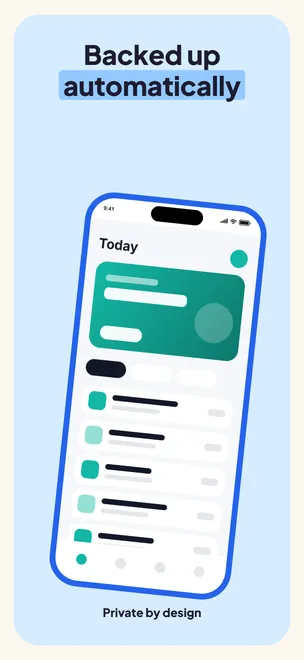
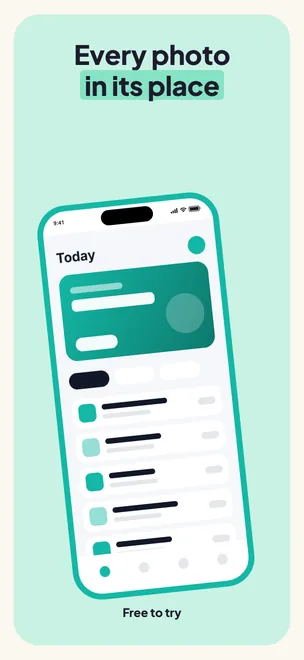
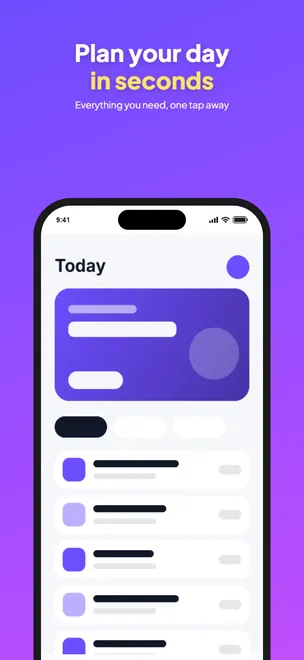
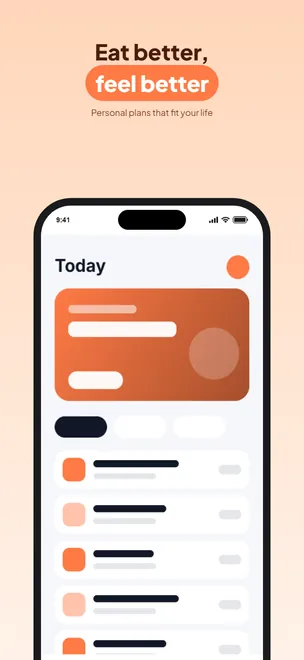
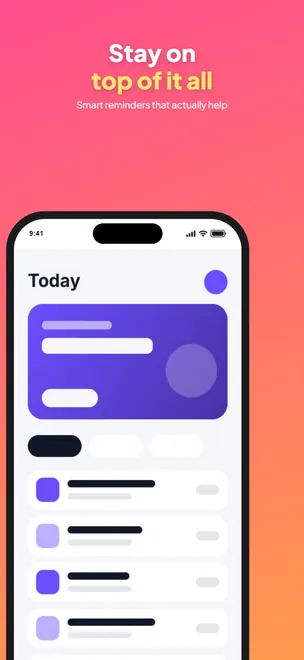
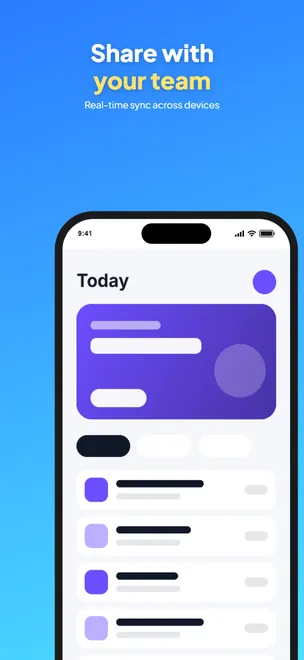
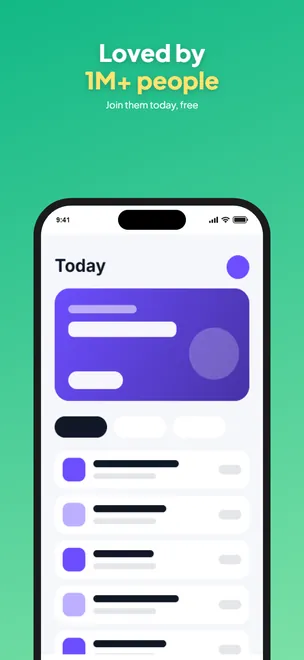
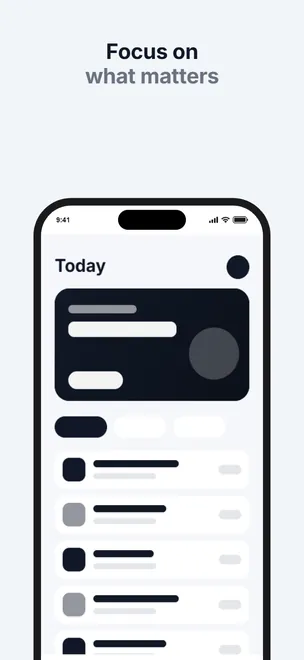
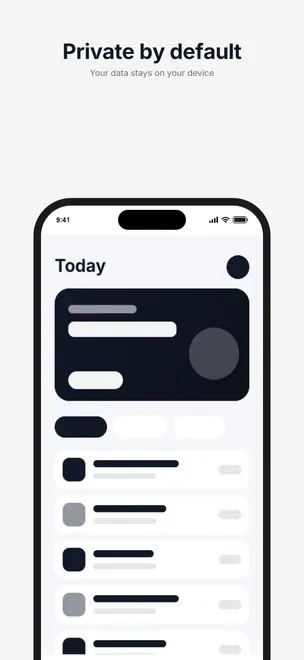
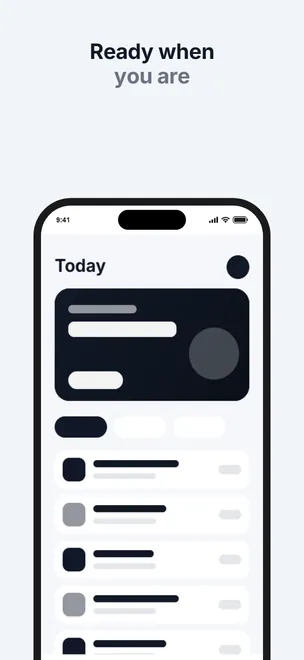
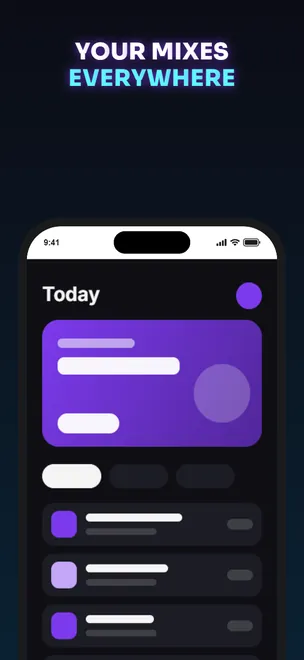
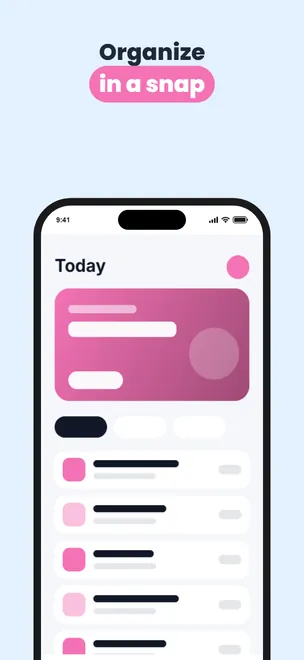
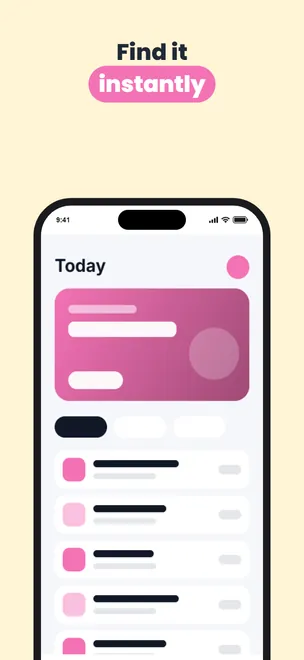
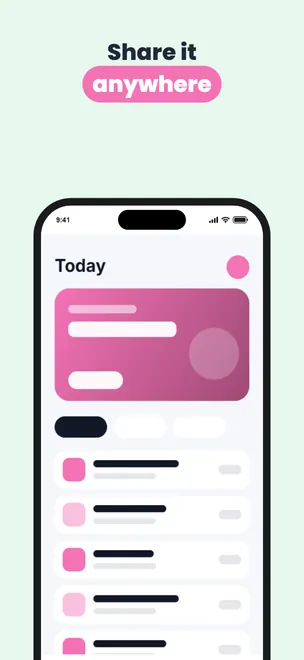
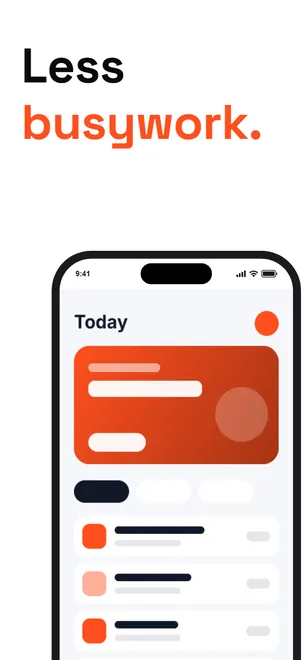
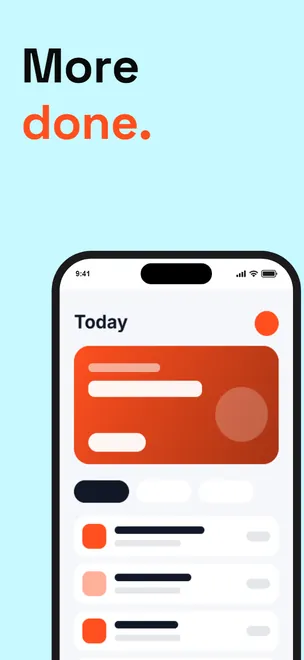
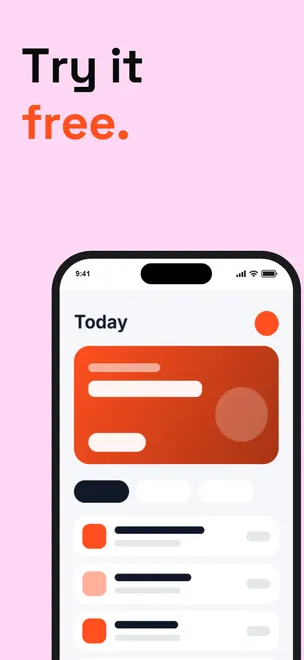
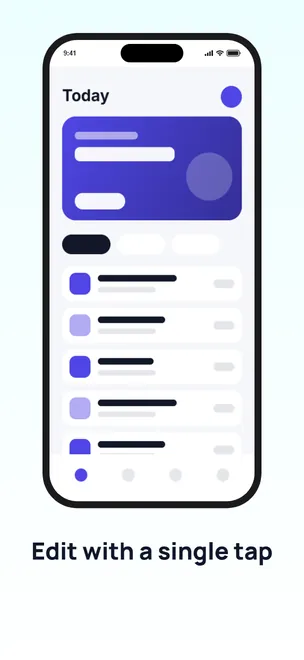
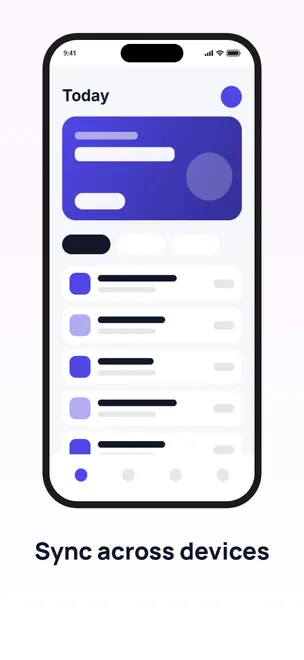
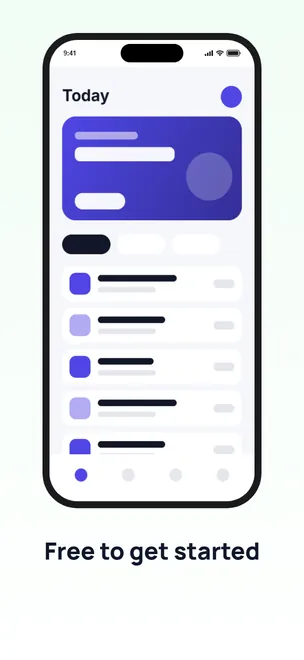
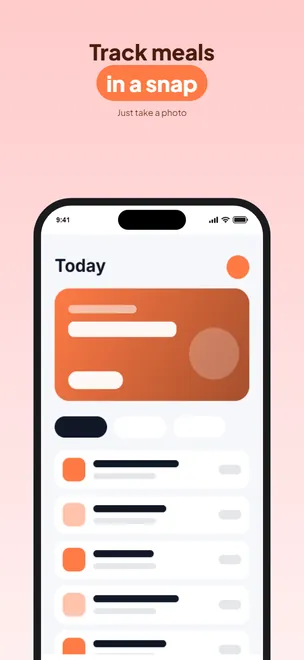
  • Each template is a full 4-screenshot set with matching layouts
  • Switch templates any time without retyping your headlines
  • 3 templates are free; Pro unlocks all 11
Use a template

Free plan · No card needed · Works in your browser

App Store screenshot templates in ShotFox

All screenshot templates

Sticker Cards

PlayfulPro

Rounded colour cards on warm paper, highlighter-marked headlines and tilted, colour-matched phones.
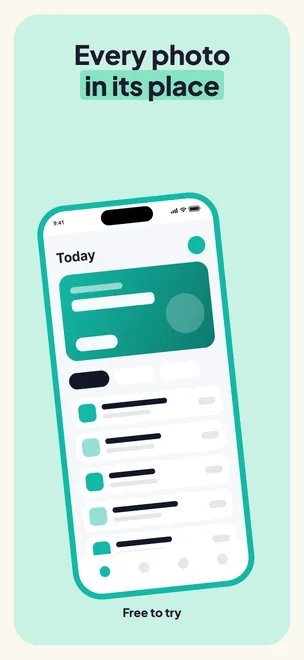
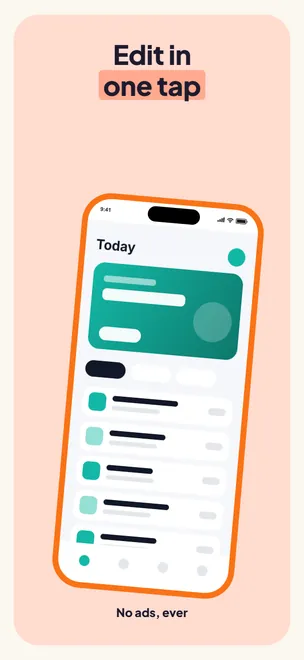
Sticker Cards App Store screenshot template

Vivid gradients and heavy white type. Works for almost any app.
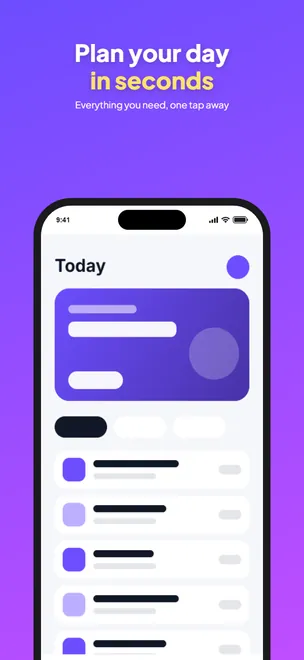
Bold Gradient App Store screenshot template

Clean Minimal

MinimalFree

Soft off-white, dark type and lots of breathing room.
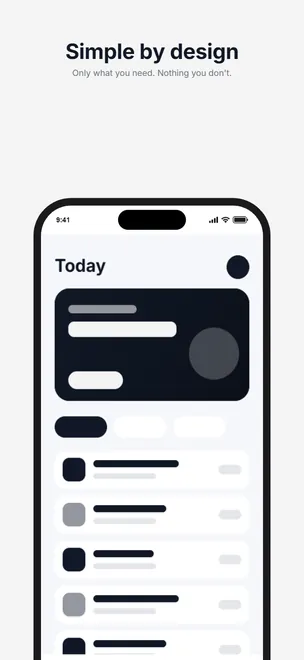
Clean Minimal App Store screenshot template

Neon Night

DarkPro

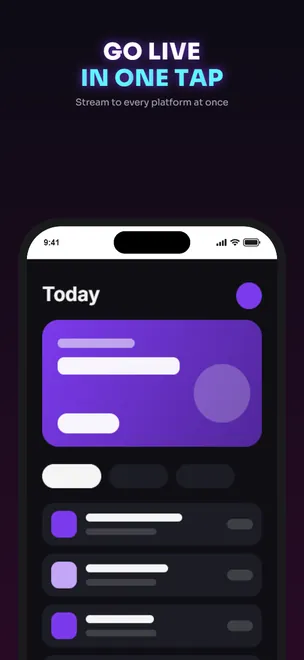
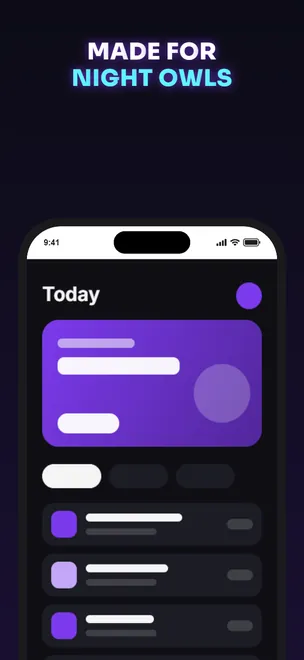
Deep black with glowing type. Great for games, music and media.
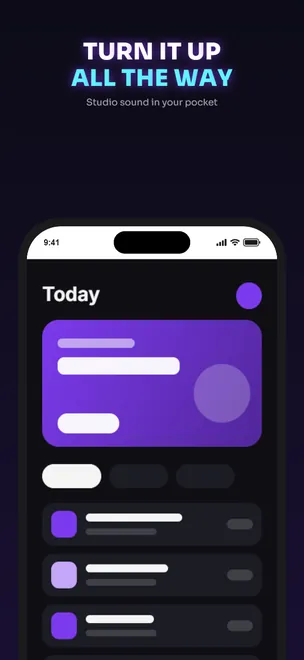
Neon Night App Store screenshot template

Pastel Pop

PlayfulPro

A different soft pastel on every panel with a bold highlight pill.
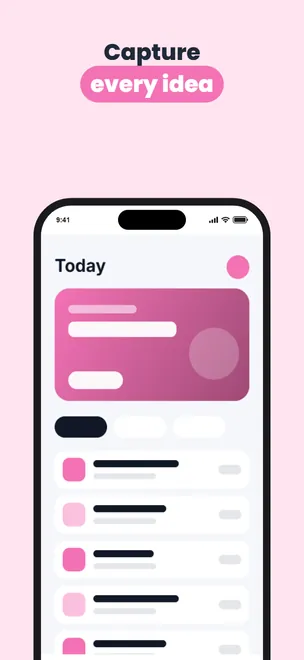
Pastel Pop App Store screenshot template

Big Type

BoldPro

Oversized headlines that dominate the frame, with the device below.
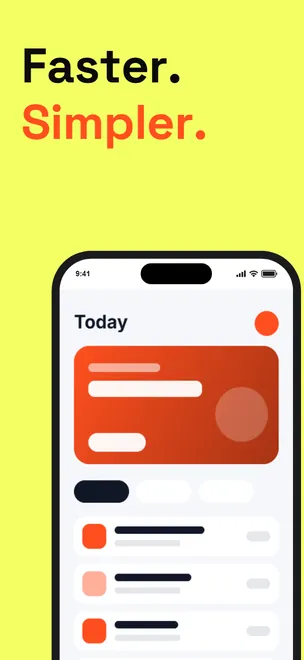
Big Type App Store screenshot template

Caption Below

MinimalFree

The screen comes first; a short caption sits underneath.
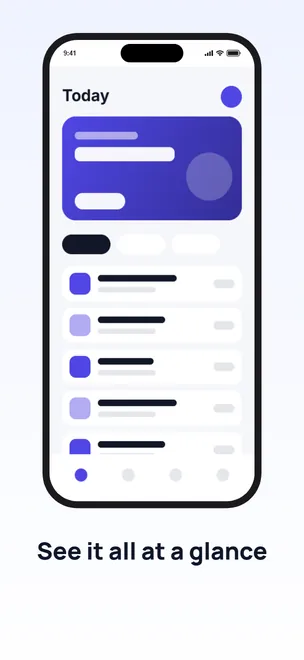
Caption Below App Store screenshot template

Warm Wellness

ElegantPro

Sunset tones for health, fitness, food and mindfulness apps.
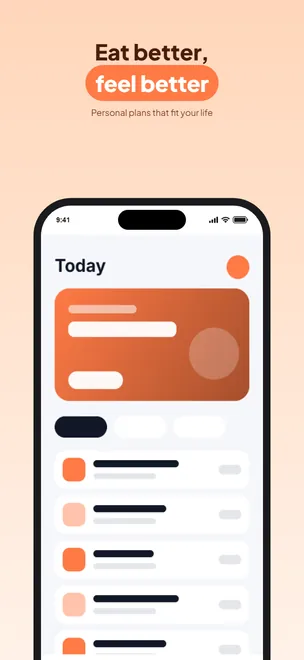
Warm Wellness App Store screenshot template

Trustworthy navy and teal for finance, banking and productivity.
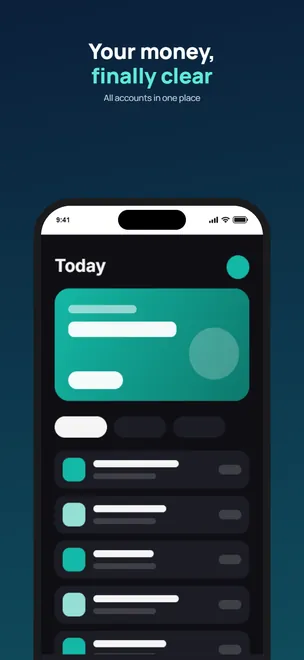
Ocean Finance App Store screenshot template

Playful Kids

PlayfulPro

Bright colours and chunky outlined type for kids and family apps.
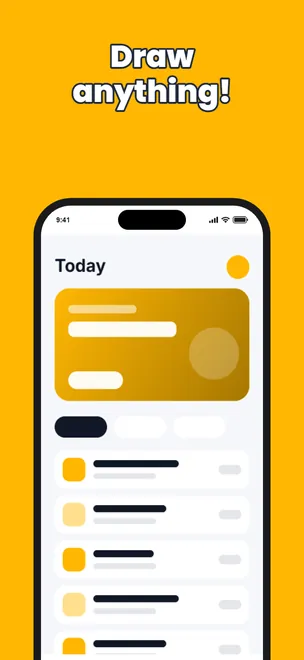
Playful Kids App Store screenshot template

Editorial Serif

ElegantPro

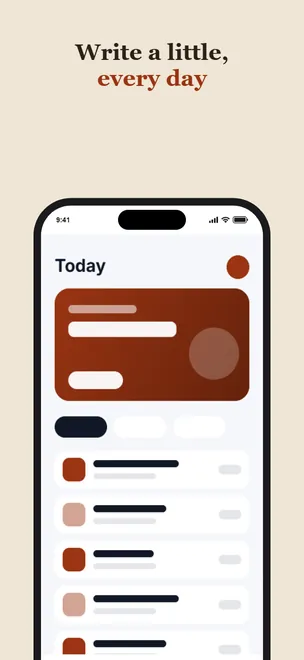
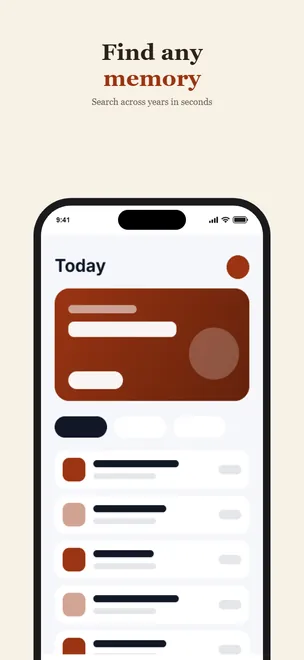
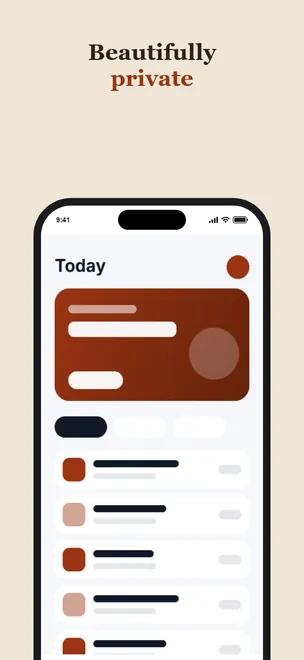
Cream paper and classic serif type for reading, journaling and lifestyle.
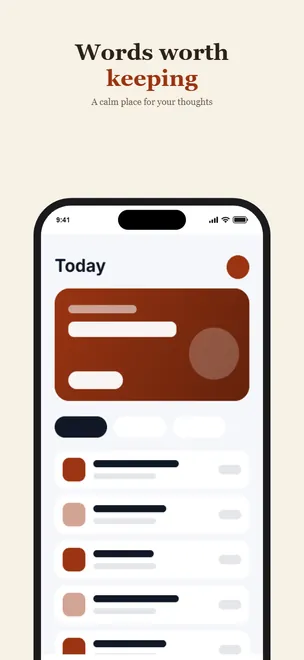
Editorial Serif App Store screenshot template

How to use a template

  1. Open the editor and click Templates.
  2. Pick a look. It's applied to every panel, and extra panels are added to complete the set.
  3. Drop in your screenshots (several at once fill one panel each), then double-click the headlines to make them yours. Want screens that flow together? Make them panoramic.
  4. Export at the App Store and Google Play sizes.

Questions

Are these App Store screenshot templates free?+

3 of the 11 templates are free to use. Pro unlocks all of them, and new ones are added regularly.

Do the templates work for Google Play?+

Yes. Every template exports to the Google Play phone and tablet sizes as well as the App Store sizes.

Can I change the colours and fonts?+

Yes. Everything in a template is editable: background, fonts, colours, device frame and layout.

Will switching templates lose my text?+

No. You can keep your own text when you switch to another template.

ShotFox

Make your store screenshots now

Free to start. Your first set takes minutes.

Use a template

More tools & guides