Playful · Pro template
Pastel Pop App Store screenshot template
A different soft pastel on every panel with a bold highlight pill. A complete 4-screenshot set for the App Store and Google Play: drop in your own screenshots and change the words.
- Set in Poppins
- 4 matching screenshot layouts
- Included with Pro, with a 7-day free trial
Free plan · No card needed · Works in your browser
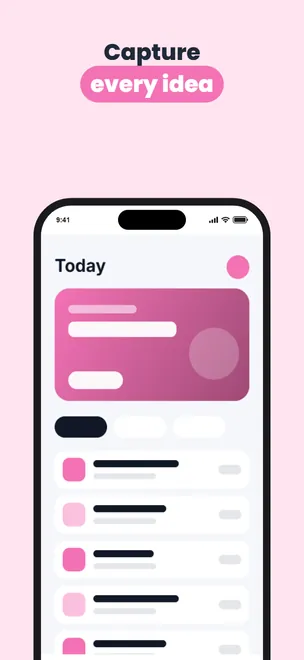
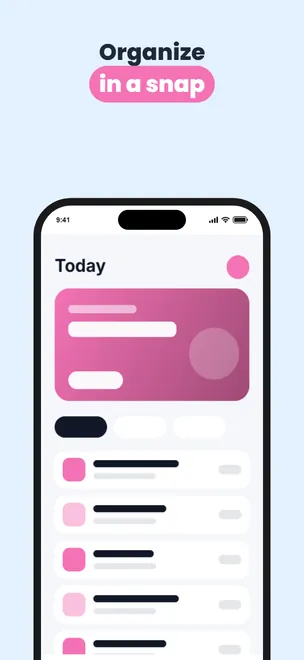
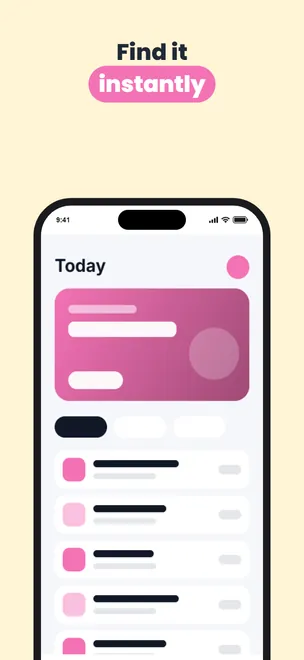
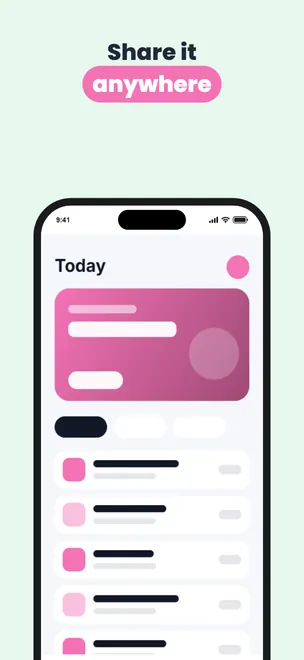
What the Pastel Pop template looks like
The sample set reads like this. Every headline, colour and device is yours to change:
- Capture every idea
- Organize in a snap
- Find it instantly
- Share it anywhere
Best for
- Lifestyle and social apps
- Shopping apps
- Habit and to-do apps
How to use Pastel Pop
- Open the editor, click Templates and choose Pastel Pop. It's applied to every panel, and panels are added to complete the set.
- Drop in your app screenshots. Drop several at once and each one gets its own panel.
- Double-click each headline on the canvas and type your own.
- Export every App Store and Google Play size in one ZIP.
More templates
Questions
Is the Pastel Pop template free?+
Pastel Pop is a Pro template. Pro starts with a 7-day free trial, and the free plan includes 3 other templates.
Can I change the colours and fonts?+
Yes. Background, fonts, colours, device frame and layout are all editable after you apply the template.
Does it work for Google Play?+
Yes. The same design exports at every App Store and Google Play size.

More tools & guides
Screenshot templatesGoogle Play screenshot generatorFeature graphic generatorPanoramic screenshotsWebsite to app screenshotsMCP server for AI agentsHow it works (video)App Store screenshot sizesGoogle Play screenshot sizesFlutter app screenshotsReact Native & Expo screenshotsScreenshot best practicesAll guidesShotFox vs AppScreensShotFox vs Screenshots ProShotFox vs FigmaShotFox vs Canva