Capture any website
Turn any website into App Store screenshots
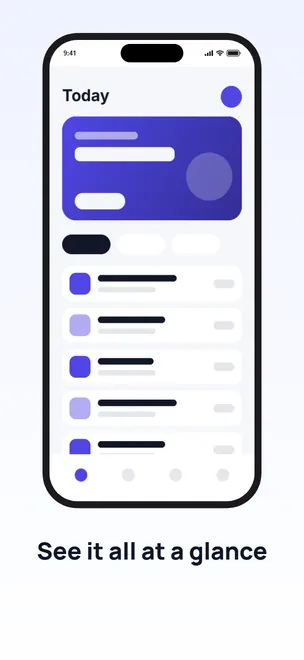
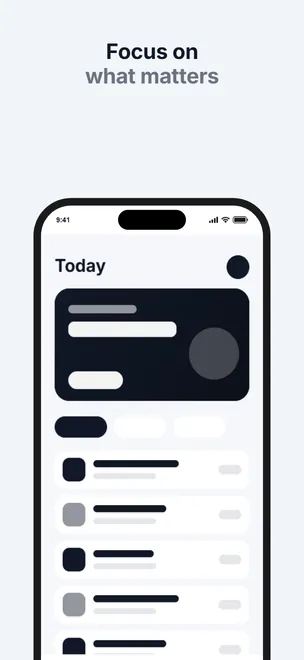
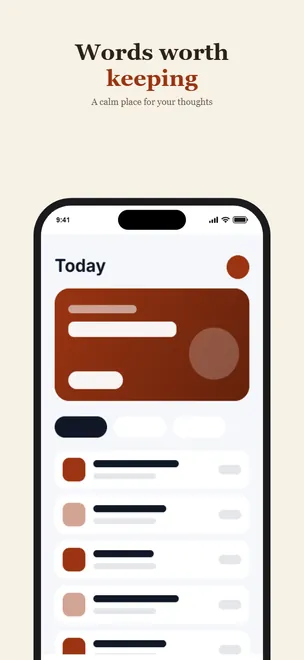
Paste a URL and ShotFox captures the page at the exact size of the phone screen, ready to frame, caption and export. No simulator, no screenshot tool, no cropping.
- Captured at the device's own screen size, so it fits the frame exactly
- Browse the site live inside the phone and grab the exact screen you want
- Light or dark mode, with room for the status bar
Free plan · No card needed · Works in your browser
Who it's for
- Web apps and PWAs heading to the stores with a wrapper like Capacitor or a TWA.
- Teams without a device build to hand, who need screenshots before the app is on a phone.
- Marketers making promo images of a site or landing page inside a real device.
How to turn a website into screenshots
- Open the Screenshot section and choose Website.
- Paste the address. ShotFox loads it at the size of the device in your panel and drops the capture into the frame.
- To pick a specific screen, browse the site live inside the phone: scroll, tap, sign in, then capture what you see. The Browser button in the editor also captures any site on any device.
- Add a headline, pick a template and export every store size.
Sized for the store
Captures match the screen of the frame you chose, so nothing is stretched or cropped. Then the whole set exports at the App Store and Google Play sizes from one design.
Questions
Can I capture any website?+
Any public page. For pages behind a login, browse the site live inside the phone, sign in there, then capture the screen.
How many captures do I get for free?+
The free plan includes 3 website captures a day. Pro gives unlimited captures and live browsing.
Can I capture in dark mode?+
Yes. Turn on dark mode before capturing and sites that support it render dark.
Does it work for Google Play screenshots too?+
Yes. Capture into an Android frame and export the Google Play sizes.

More tools & guides
Screenshot templatesGoogle Play screenshot generatorFeature graphic generatorPanoramic screenshotsMCP server for AI agentsHow it works (video)App Store screenshot sizesGoogle Play screenshot sizesFlutter app screenshotsReact Native & Expo screenshotsScreenshot best practicesAll guidesShotFox vs AppScreensShotFox vs Screenshots ProShotFox vs FigmaShotFox vs Canva