Compare screenshot tools
Screenshots Pro alternative: ShotFox vs Screenshots Pro
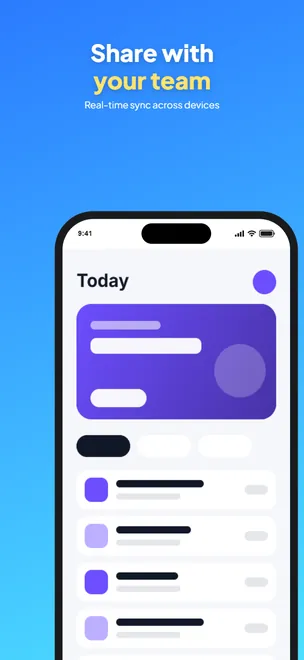
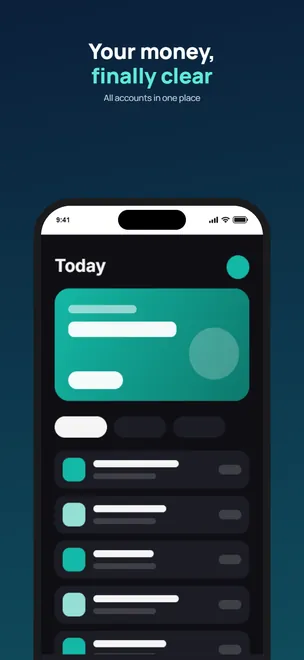
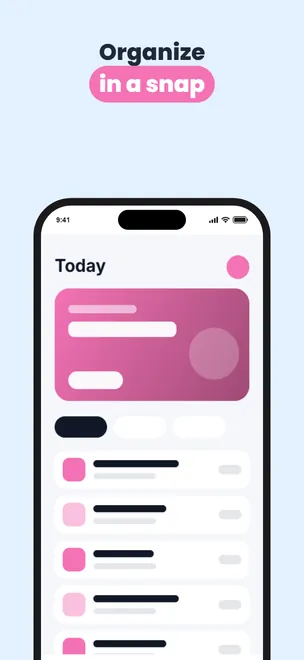
Screenshots Pro (screenshots.pro) and ShotFox both make App Store and Google Play screenshots in the browser. Screenshots Pro offers 3D devices, localization and an API on its paid plans; ShotFox costs far less for Pro and adds website capture.
- Price: ShotFox Pro is $4.99/month, against $19/month for Screenshots Pro Standard.
- You're working from a website or web app: capture a URL or browse it live inside the phone.
- You want a phone that carries across panels automatically, handled for you in the editor and in export.
Free plan · No card needed · Works in your browser
ShotFox vs Screenshots Pro at a glance
| ShotFox | Screenshots Pro | |
|---|---|---|
| Price | Free plan; Pro $4.99/month or $47.90/year, 7-day free trial | Free Basic plan; Standard $19/month; Extended $49/month |
| App Store & Google Play sizes | Yes, every size from one design | Yes, smart export for all sizes |
| Device frames | iPhone, iPad and Android, real and vector | 23 devices, clay and real frames, 3D angles |
| Panoramic screenshots | Yes, automatic when a phone crosses panels | Yes |
| Capture a website into the device | Yes, plus live browsing inside the phone | Not listed on their site |
| Localization | No | Yes, on Standard |
| API / CI automation | No | Yes, on Extended |
| Custom font upload | No | Yes, on Standard |
Screenshots Pro details checked November 2026 on their website. Products change, so check before you decide.
When Screenshots Pro is the better choice
- You need screenshots in many languages: Screenshots Pro translates them on its Standard plan.
- You want to generate screenshots from CI with an API (Extended plan).
- You want 3D-angled devices or to upload your own fonts.
- You want to start without making an account.
When ShotFox is the better choice
- Price: ShotFox Pro is $4.99/month, against $19/month for Screenshots Pro Standard.
- You're working from a website or web app: capture a URL or browse it live inside the phone.
- You want a phone that carries across panels automatically, handled for you in the editor and in export.
- You want smart guides and spacing measurements while you lay things out.
Switching from Screenshots Pro
- Gather the plain screenshots of your app (or the website address, if it's a web app).
- Open ShotFox and drop them in all at once; each one gets its own panel.
- Pick one of the templates, type your headlines, and export every App Store and Google Play size.
Other comparisons
Questions
Is ShotFox cheaper than Screenshots Pro?+
Yes for paid plans: ShotFox Pro is $4.99/month; Screenshots Pro lists Standard at $19/month (checked November 2026).
Do both tools make panoramic screenshots?+
Yes. In ShotFox you drag a phone past a panel's edge and it continues into the next panel automatically.
Does ShotFox have an API?+
Not yet. If you need CI automation today, Screenshots Pro's Extended plan offers one.

More tools & guides
Screenshot templatesGoogle Play screenshot generatorFeature graphic generatorPanoramic screenshotsWebsite to app screenshotsMCP server for AI agentsHow it works (video)App Store screenshot sizesGoogle Play screenshot sizesFlutter app screenshotsReact Native & Expo screenshotsScreenshot best practicesAll guidesShotFox vs AppScreensShotFox vs FigmaShotFox vs Canva