Google Play screenshot generator for Android apps
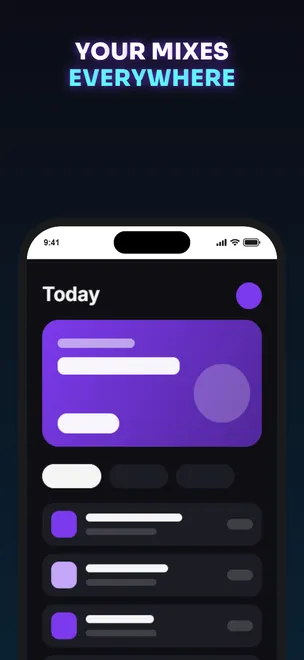
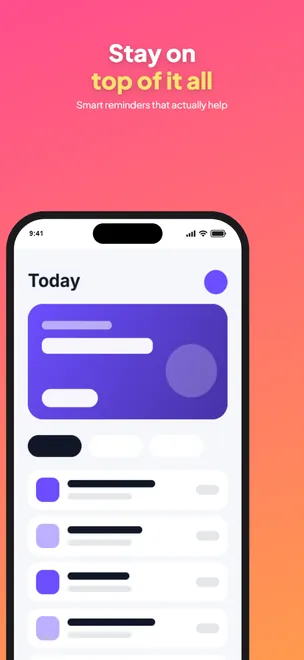
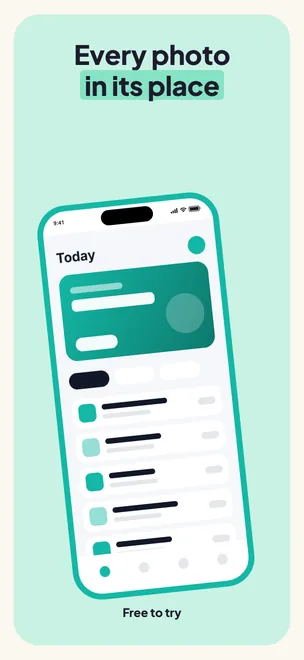
Turn plain Android screenshots into a Play Store set that sells: real device frames, bold headlines and backgrounds, exported at the sizes Play Console accepts.
- Phone screenshots at 1080 × 1920, ready for Play Console
- Tablet screenshots and the 1024 × 500 feature graphic from the same design
- Make the App Store set at the same time
Free plan · No card needed · Works in your browser
How to make Google Play screenshots
- Add your screenshots. Drop in screenshots from your Android app. Drop several at once and each one gets its own panel.
- Pick a look. Choose one of the templates and an Android or vector phone frame, then apply it to every panel.
- Write your headlines. Double-click the text on the canvas and type. Highlight the words that sell.
- Export. Choose the Play Store phone, tablet and feature graphic sizes and download them all as one ZIP.
Built around Play Console's rules
Google Play takes 2 to 8 phone screenshots per listing, each side between 320 px and 3,840 px, in a 9:16 or 16:9 ratio. ShotFox exports at exactly 1080 × 1920, so you never hit a size error. Tablets and the feature graphic are one click away. The full list is on the Google Play screenshot sizes page.
Screenshots that get installs
- Lead with the benefit. The first two screenshots show in search results, so put your strongest promise there.
- One idea per screenshot. A short headline and one screen of the app reads faster than a busy collage.
- Keep it consistent. Use the same background, font and frame across the set so it looks like one product.
- Join screens together. Drag a phone across the edge of a panel to make panoramic screenshots that flow from one to the next.
No app build? Capture your web app
Paste a URL and ShotFox captures the page at phone size, or browse it live inside the device and grab the exact screen. See website to app screenshots.
Questions
Is this Google Play screenshot generator free?+
Yes. The free plan lets you design a full set and export it with a small watermark. Pro removes the watermark and unlocks every template and device frame.
What size does ShotFox export for Google Play?+
Phone screenshots at 1080 × 1920, tablet screenshots at 1920 × 1200 and the feature graphic at 1024 × 500.
Can I make App Store screenshots from the same design?+
Yes. One design exports to every App Store and Google Play size, so both listings match.
Do I need to install anything?+
No. ShotFox runs in your browser, and your projects are saved in it automatically.

Make your store screenshots now
Free to start. Your first set takes minutes.
Make Play Store screenshots