Compare design tools
Canva alternative for App Store screenshots
Canva is great for social posts and slides, and you can make App Store screenshots in it with custom sizes. ShotFox is built only for store screenshots: the exact sizes, device frames and exports the stores want are already set up.
- You want App Store and Google Play sizes that are exactly right, without typing dimensions.
- You want real device frames that match current iPhones, iPads and Android phones.
- You want the whole set exported at every size in one go.
Free plan · No card needed · Works in your browser
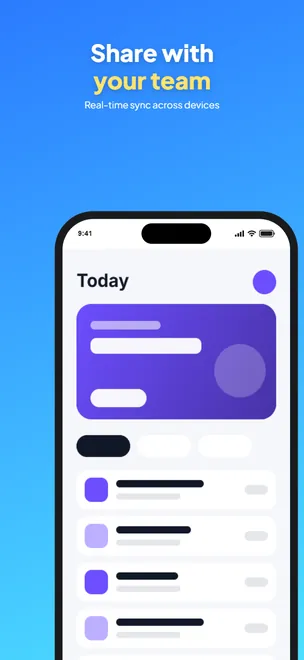
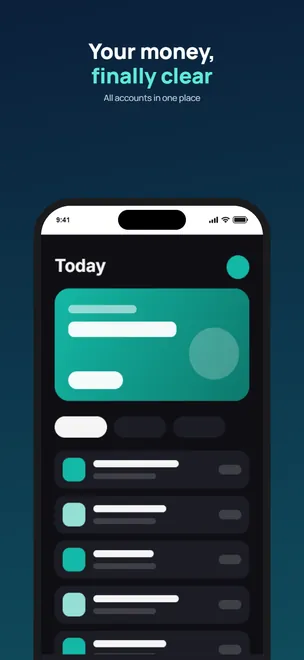
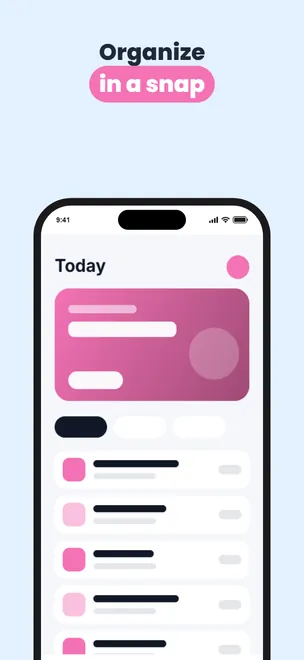
ShotFox vs Canva at a glance
| ShotFox | Canva | |
|---|---|---|
| Store sizes | Every App Store and Google Play size built in | Enter custom dimensions yourself |
| Device frames | iPhone, iPad and Android, with a matching status bar | Generic mockups |
| Putting the screenshot in the phone | Drop it; it fits the screen | Place and crop by hand |
| Exporting a full set | One ZIP, every size, numbered in order | Download each design and size |
| General graphics | Store screenshots only | Almost anything |
Canva details checked November 2026. Products change, so check before you decide.
When Canva is the better choice
- You also need social posts, ads and slides in one tool.
- You rely on Canva's huge stock photo and graphics library.
- Your team already shares brand kits in Canva.
When ShotFox is the better choice
- You want App Store and Google Play sizes that are exactly right, without typing dimensions.
- You want real device frames that match current iPhones, iPads and Android phones.
- You want the whole set exported at every size in one go.
- You want panoramic sets where a phone carries across screenshots.
Switching from Canva
- Gather the plain screenshots of your app (or the website address, if it's a web app).
- Open ShotFox and drop them in all at once; each one gets its own panel.
- Pick one of the templates, type your headlines, and export every App Store and Google Play size.
Other comparisons
Questions
Can I bring Canva graphics into ShotFox?+
Yes. Download them as PNG and add them with Add image, or drop them in as the screen inside the phone.
Is ShotFox free like Canva?+
ShotFox has a free plan that exports a full set with a small watermark. Pro removes it.

More tools & guides
Screenshot templatesGoogle Play screenshot generatorFeature graphic generatorPanoramic screenshotsWebsite to app screenshotsMCP server for AI agentsHow it works (video)App Store screenshot sizesGoogle Play screenshot sizesFlutter app screenshotsReact Native & Expo screenshotsScreenshot best practicesAll guidesShotFox vs AppScreensShotFox vs Screenshots ProShotFox vs Figma